
Docs Start here
Create your account
An email address and a six-character code. There is no password to remember.
Making an account
All Body Beats asks for is an email address. There is no password, no profile photo, no fitness test. You can be signed in and looking at your first session in about a minute.
- Open Create an account — it is in the header on the marketing pages, and under the form on the sign-in screen.
- Type your email address.
- Press Create an account.
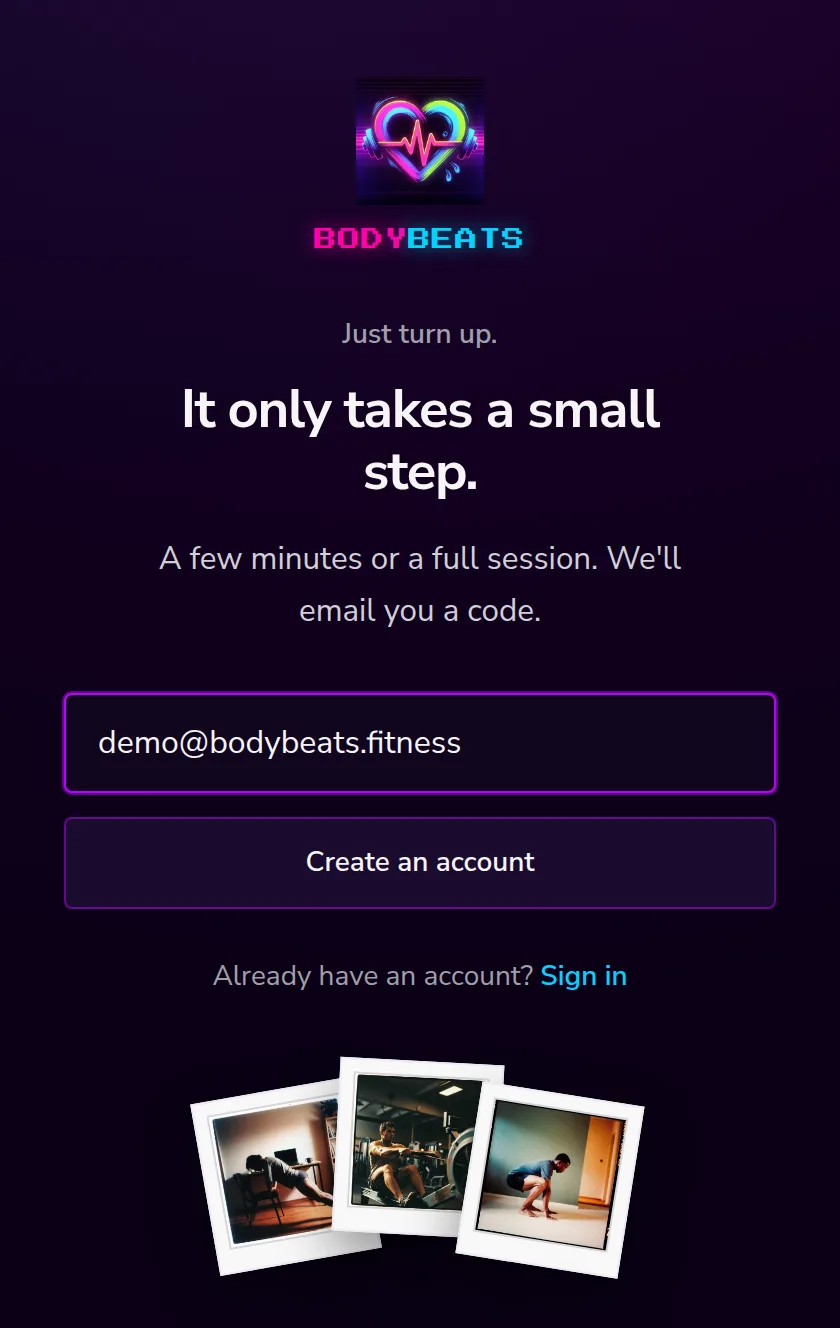
If your workplace or family already has a Body Beats account, you may have been sent an invite link instead. Opening that link does the same thing — it just ties your new account to theirs. There is more about that in Your account.
The code
We email you a six-character code, and you type it on the next screen. The email subject line has the code in it, so on a phone you can often read it from the notification without opening anything.
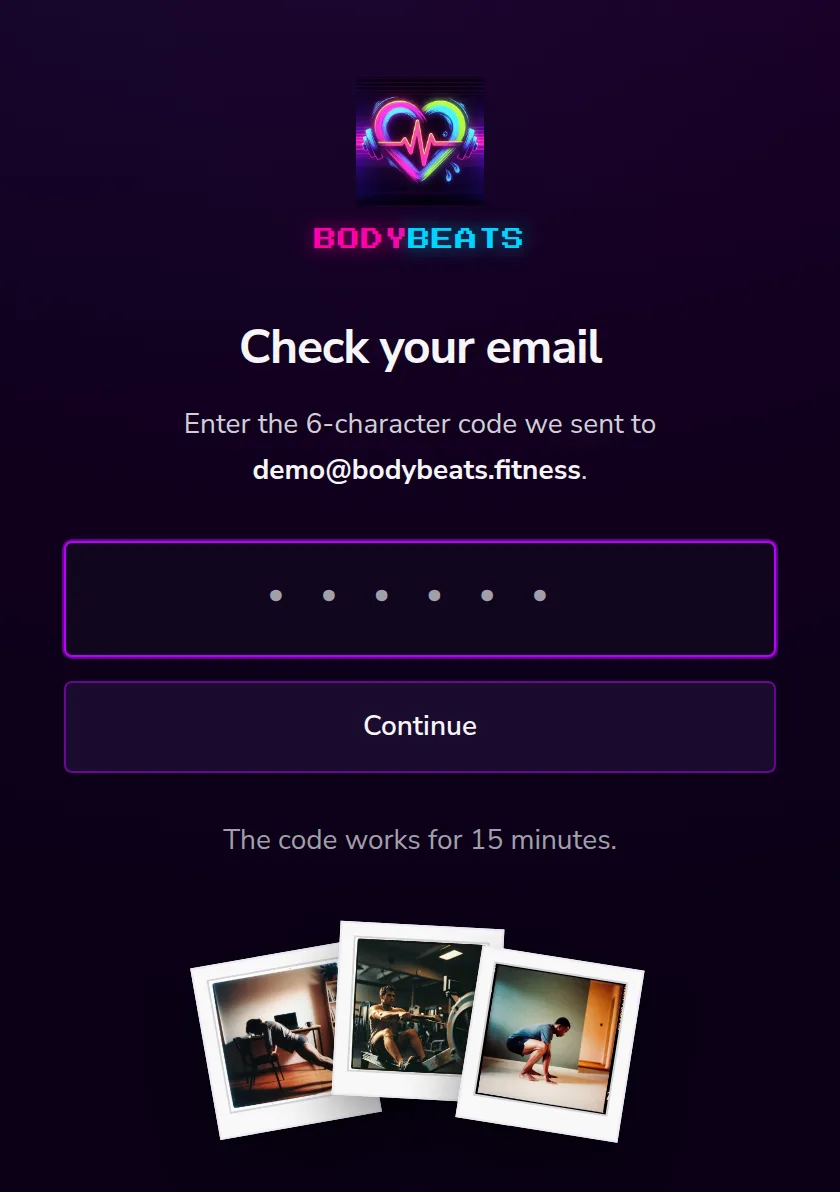
- Six characters, digits and letters, with the ambiguous ones left out — no I, L, O or U, so there is nothing to squint at. Case does not matter.
- It works for fifteen minutes. After that, ask for another one.
- If a code does not match, the screen gives a small shake. Ask for a second code if you like; the first one keeps working until it expires, so either email will do.
First time through, the code drops you straight into the setup questions. That is the next guide.
Signing in later
Next time, open Sign in. Same idea: your email address, then Send a code, then the six characters.
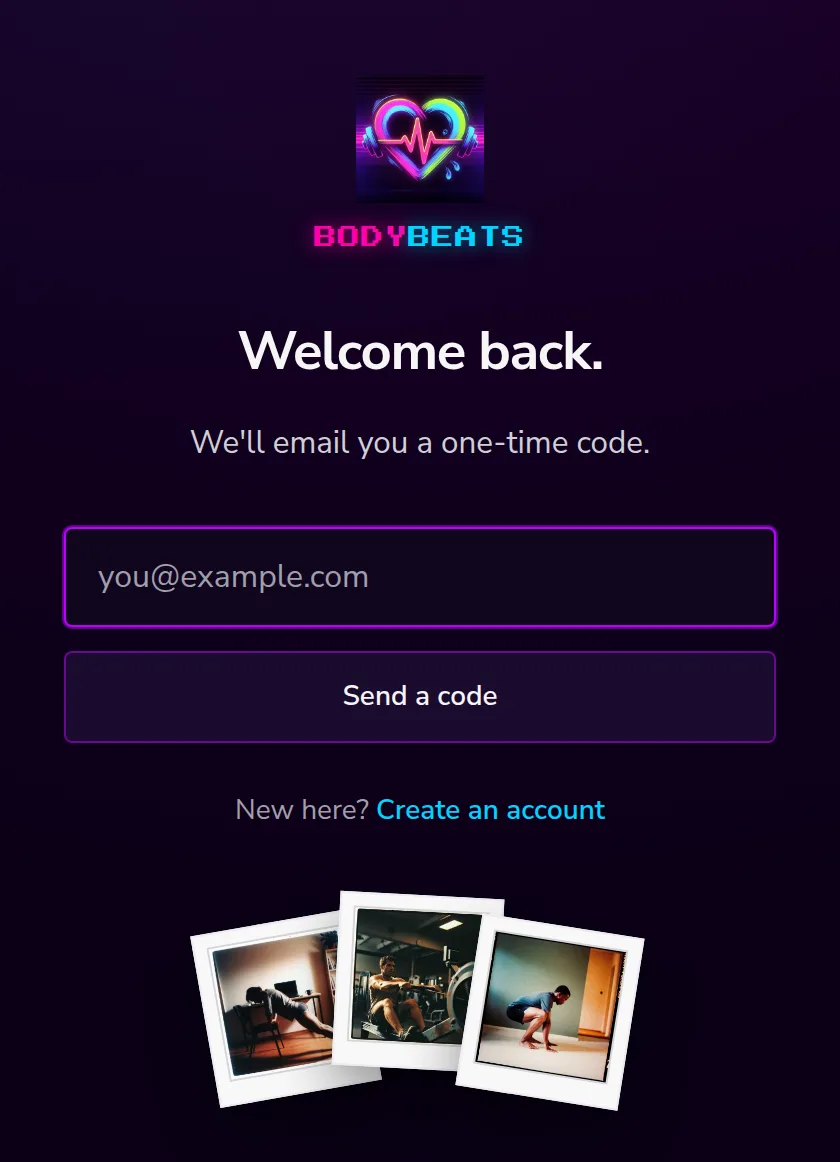
You stay signed in on a device until you sign out, so on your own phone this is usually a once-ever thing. If you want to get onto a second device without waiting for another email, there is a Sign in on another device link and a QR code on your Account page.
One thing first
Once the setup questions are answered, there is one short note before your first session: four paragraphs about moving safely and a single checkbox. It only appears once.
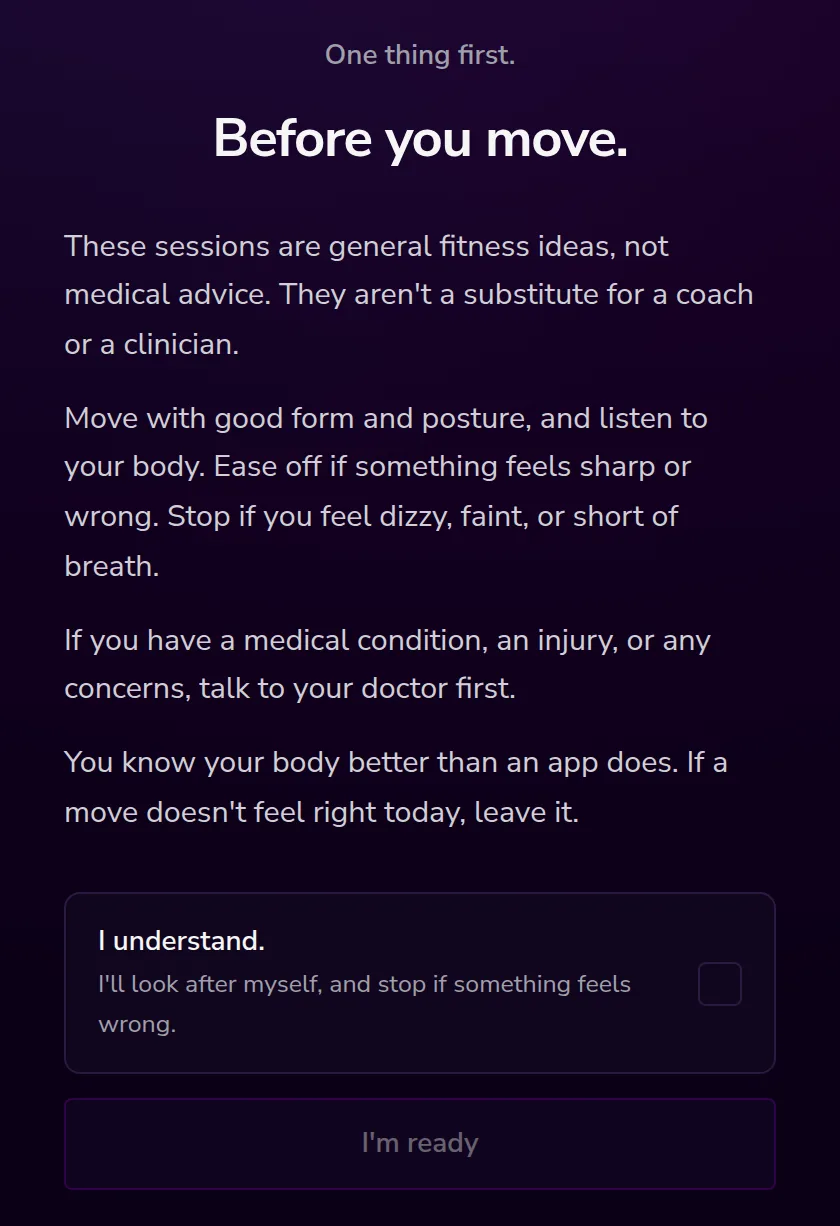
The short version: these sessions are general fitness ideas, not medical advice. Ease off if something feels sharp or wrong. Stop if you feel dizzy, faint, or short of breath. If you have a medical condition, an injury, or any concerns, talk to your doctor first. You know your body better than an app does.
Tick I understand., press I'm ready, and you land on home with your plan already on it.