
Docs Going further
Connect your agent
Point Claude, Cursor, or Grok at your account. A token, or a sign-in in the browser.
Your agent can read the catalog, your setup, and the sessions you have shown up for. With a token or an allowed connection, it can log a session, leave a note on a move, and put together a session or a program from catalog slugs.
The address
Open You, then Account. The Agents card has the address your client should call:
https://bodybeats.fitness/mcp/user
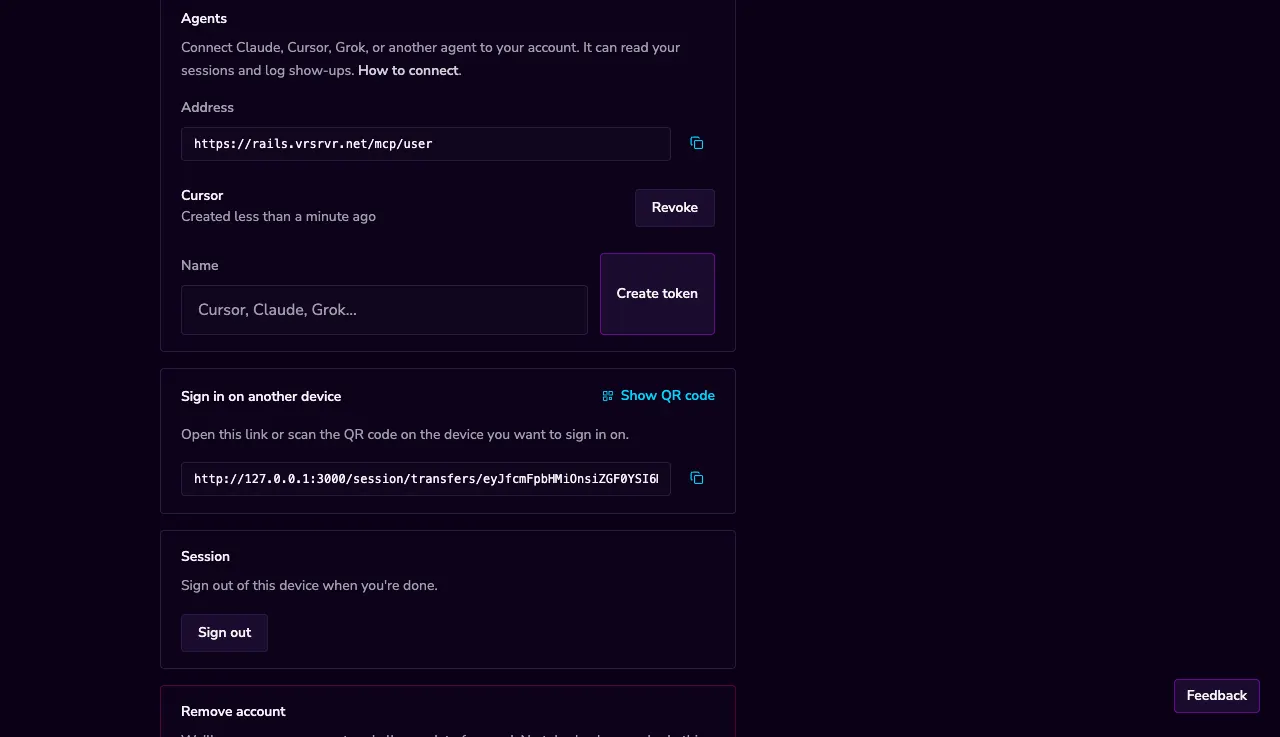
Copy it into Cursor, Claude Desktop, Grok, or any MCP client that can send a Bearer header.
A token
Give the token a name — Cursor, Claude, the laptop at the gym — and press Create token. We show the secret once. Copy it now. Treat it like a password.
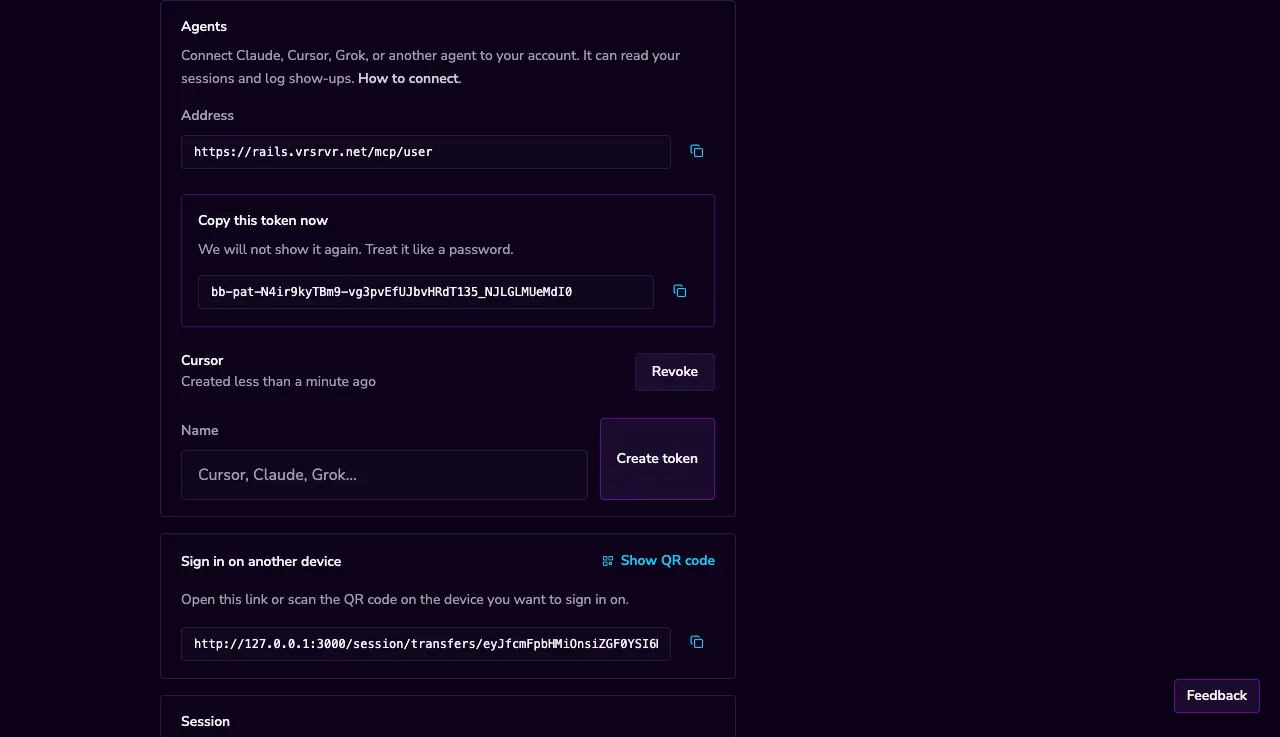
In Cursor or Claude Desktop, the client config is a URL plus a header:
{
  "mcpServers": {
    "body-beats": {
      "url": "https://bodybeats.fitness/mcp/user",
      "headers": {
        "Authorization": "Bearer YOUR_TOKEN"
      }
    }
  }
}
Claude and ChatGPT
Some clients sign in through the browser instead of pasting a token. Point them at the same address. They will send you to Body Beats to allow access.
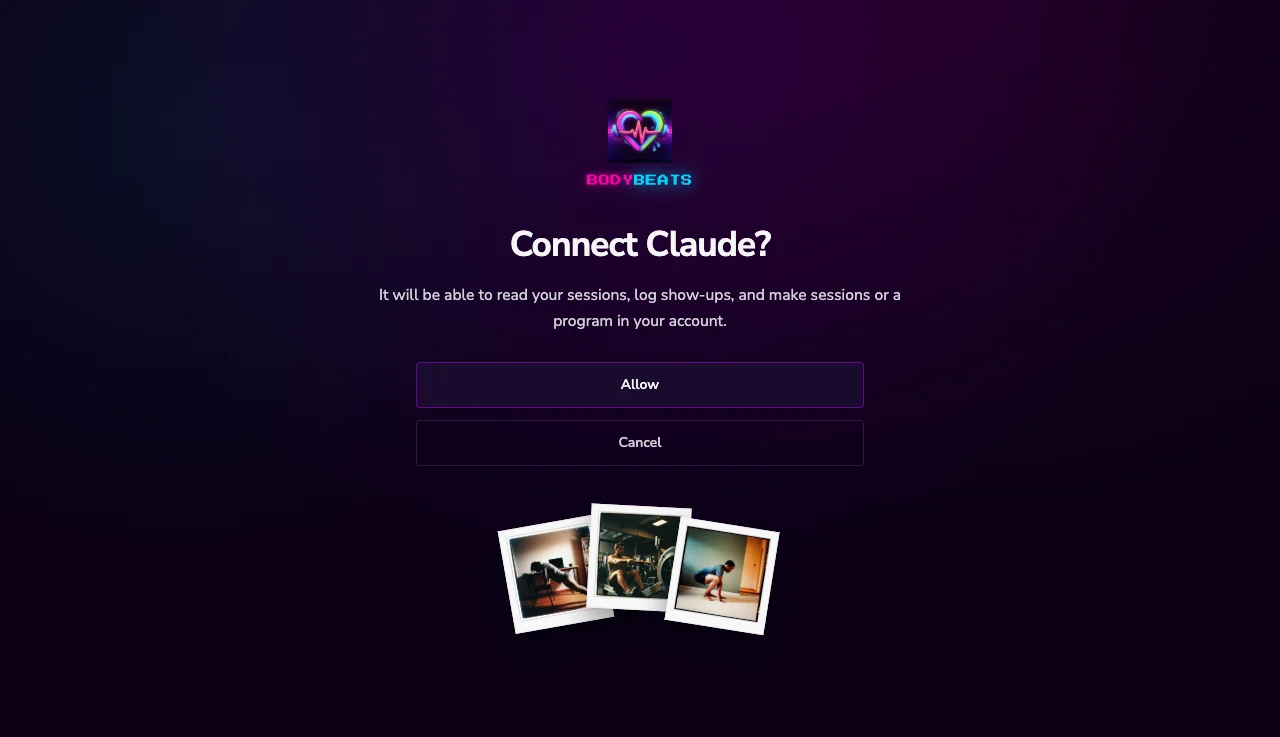
Allow issues a short-lived access token and a refresh token. The app appears under Connected apps on Account. Cancel sends them back without connecting.
What an agent can do
With a connection it can:
- Read the catalog — moves, sessions, programs, warm-ups, cool-downs, stretches.
- Read your setup, your current program, your homemade sessions, your show-ups, and your move notes.
- Log that you showed up for a catalog session or one you made, which also marks the day on your program.
- Log a session you did off-catalog, with a date, a focus, and optional minutes.
- Leave easy or hard plus a short note on a move in a session you made.
- Make a session from catalog move slugs, and make a program from session slugs or rest.
A new program becomes the current one, the same as making your own on the site.
Revoking
Revoke next to a token stops that secret immediately. Disconnect next to a connected app drops its access tokens. Make a new token when you want to connect again. Closing your account removes every token and every connected app with the rest of your data.